Capture
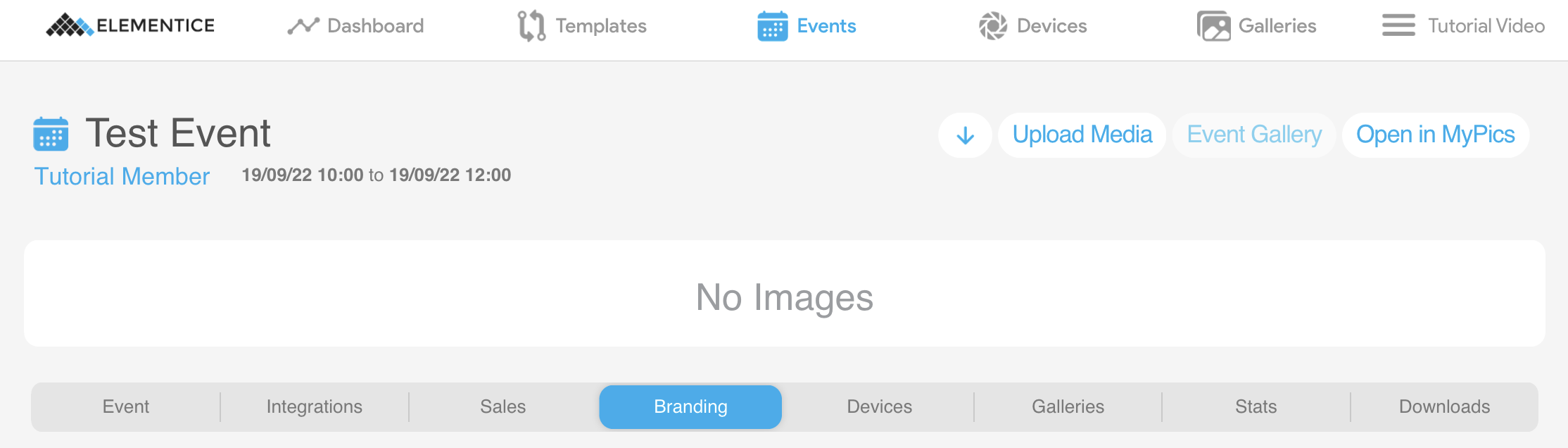
- Open the event page and click the Upload Media button on the top right of the window.
- The uploading module will open with a subject search bar for you to add subject IDs that will be associated with the image. At the bottom of the modal, there is a space to drag and drop images or click the box field to open a file browser and add the files you want to upload. There is also a bar that lets you decide what event the images will be sent to. Make sure you are uploading to the correct event. Check out this article if you have uploaded anything to an incorrect event - all hope is not lost!
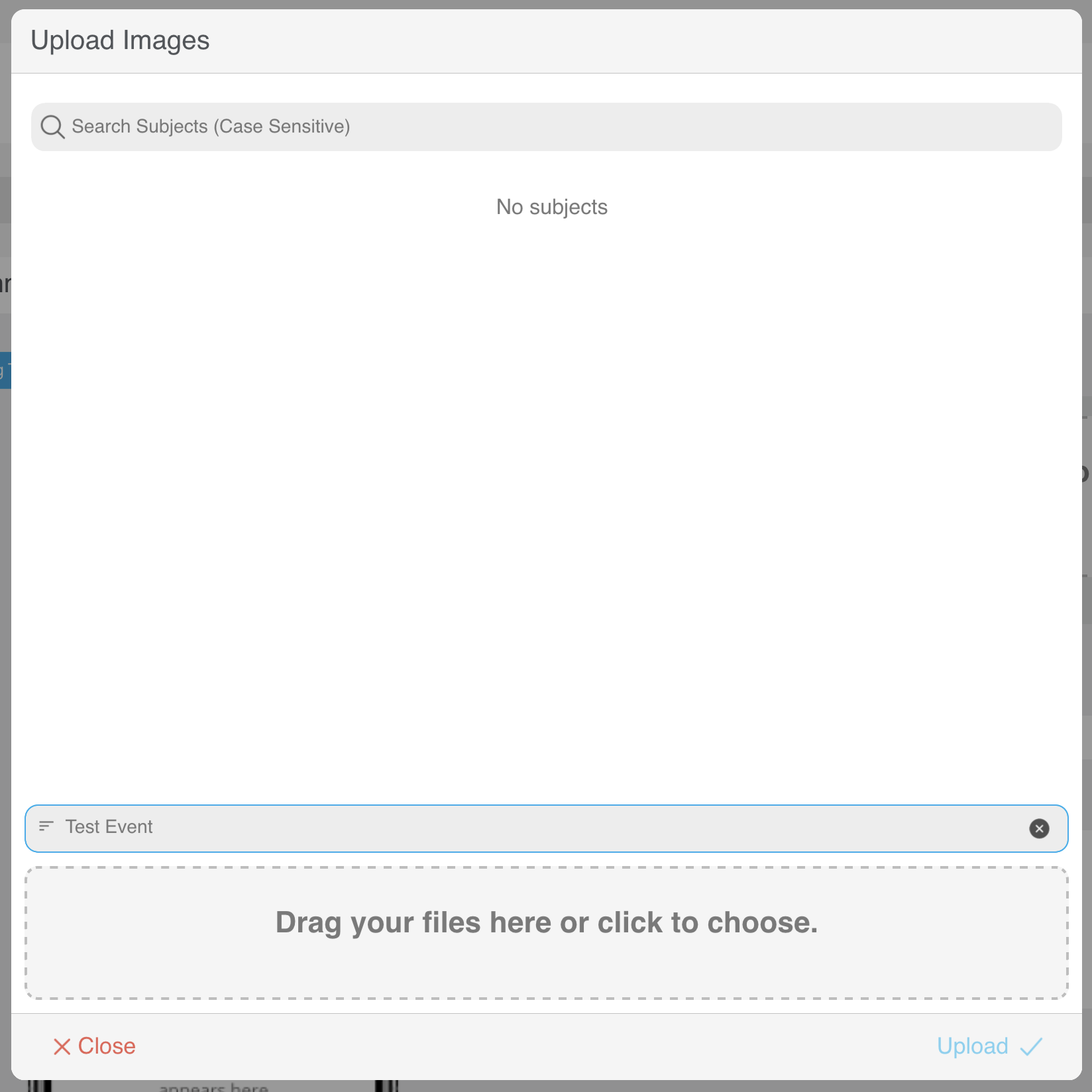
- Once you have added the images and IDs, click the blue Upload button in the bottom right.
- A blue upload progress bar will appear and will indicate if the upload has been successful. If the upload is unsuccessful, check the details and try again. Reach out to the Support team if you have any further roadblocks.
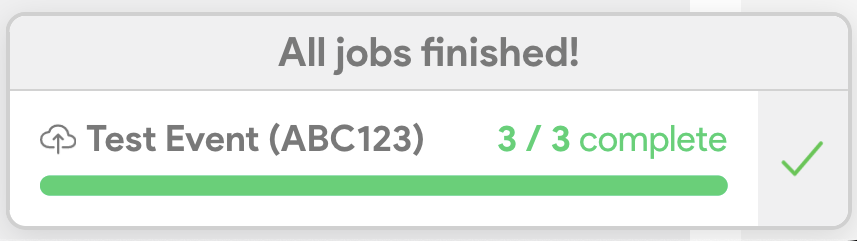
- When the images have finished uploading, the progress bar will turn green, with a note saying "All jobs finished!". Yay, you did it!!!