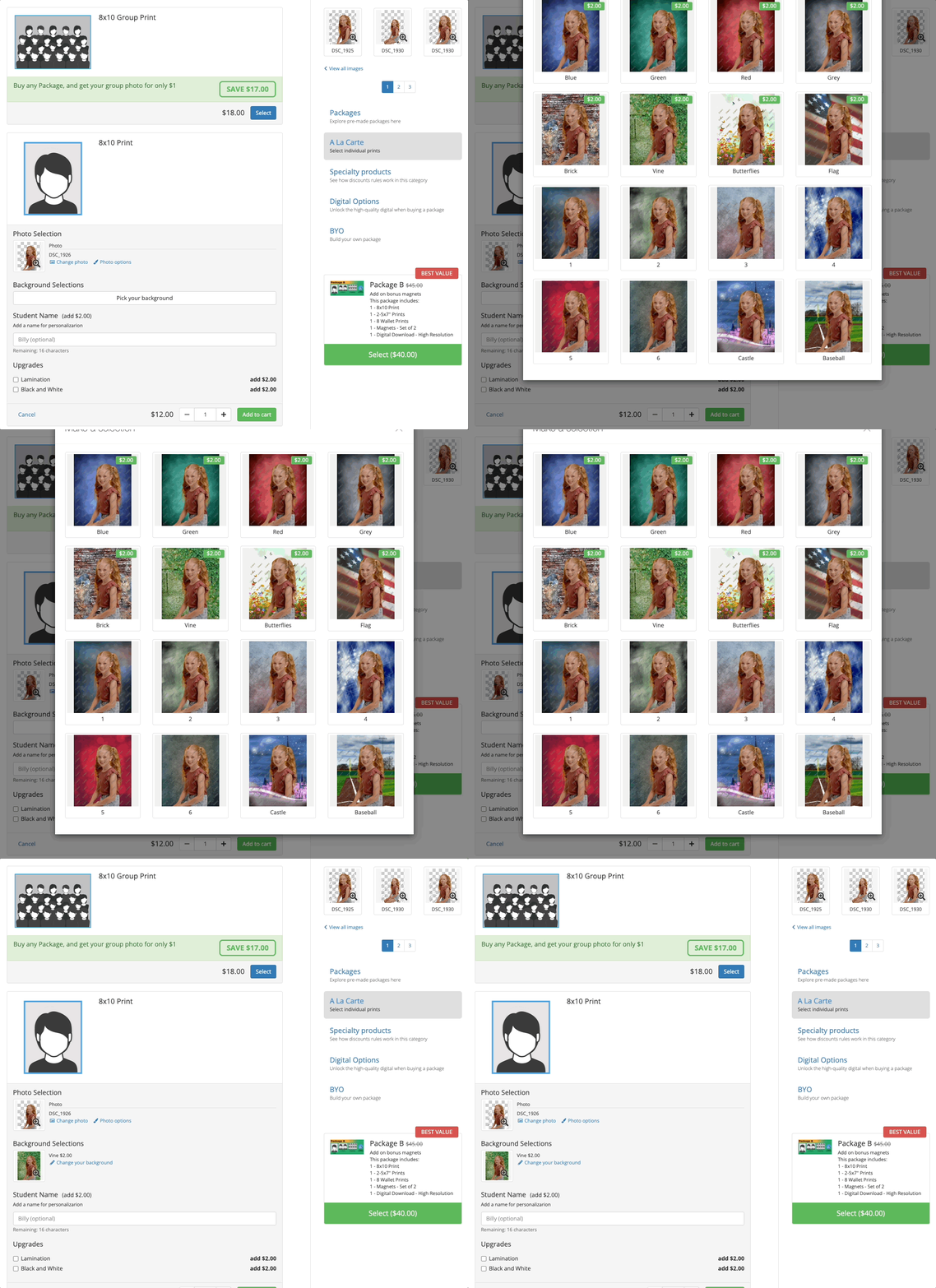
Product Options allow you to provide further customization and data entry when a product is being purchased in the shopping cart. Personalization, green screen background selection, information forms, and custom drop-downs are just some of the different types of Product Options that you can utilize within your Fotomerchant account.
When applying product options, it is best to apply them to the packages and products within a catalog rather than with the individual product or package. This will keep your account clean and save you from having to duplicate your package and products every time you need to change an option, such as when your backgrounds change from season to season. Instructions for adding product options at the catalog level are included in each specific product option article.
Type of Product Options:
- Single Choice: The customer will be asked to pick only one choice from a radio button or drop-down.

- Multiple Choice: The customer will be asked to pick one or more choices using checkboxes.
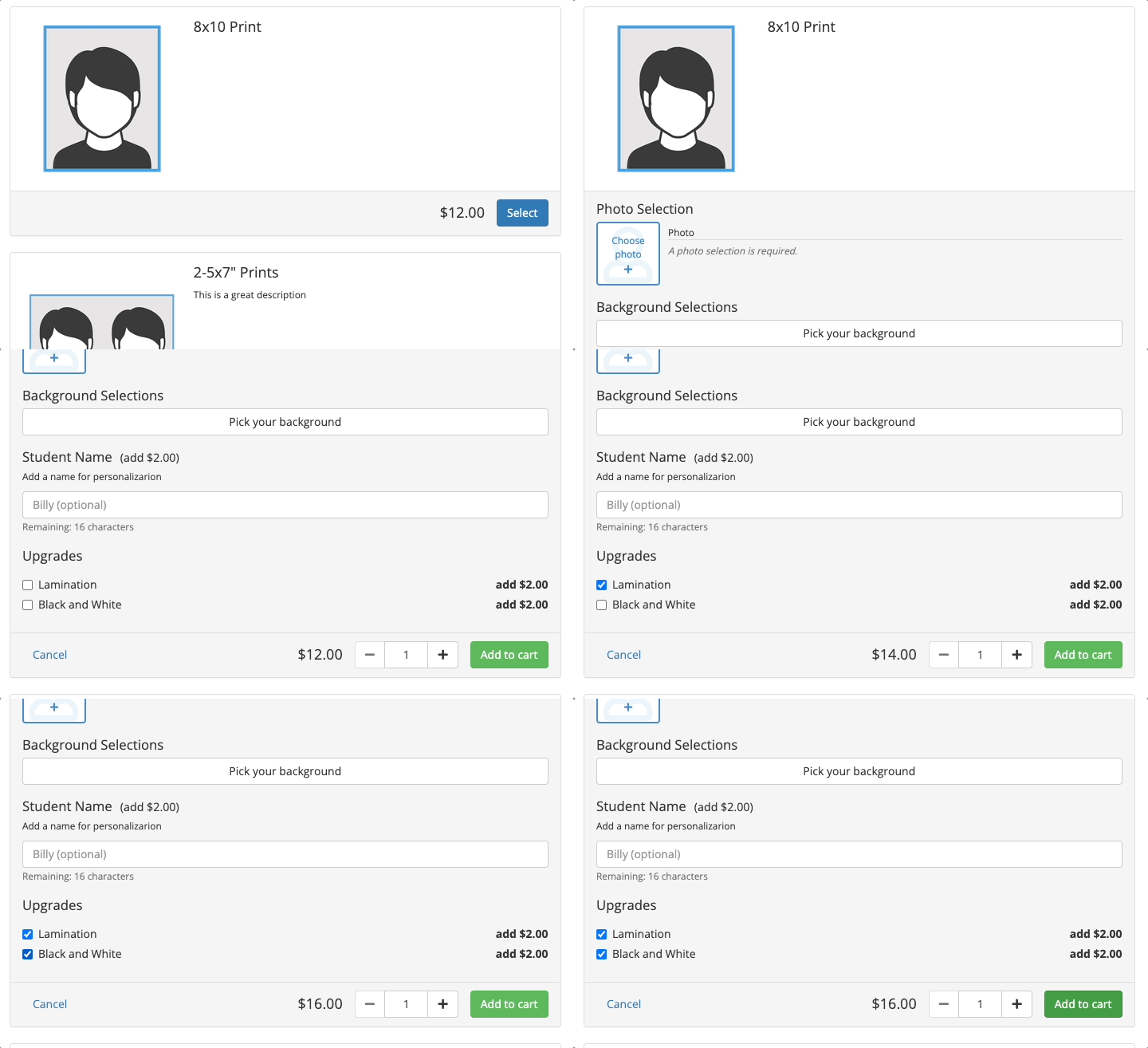
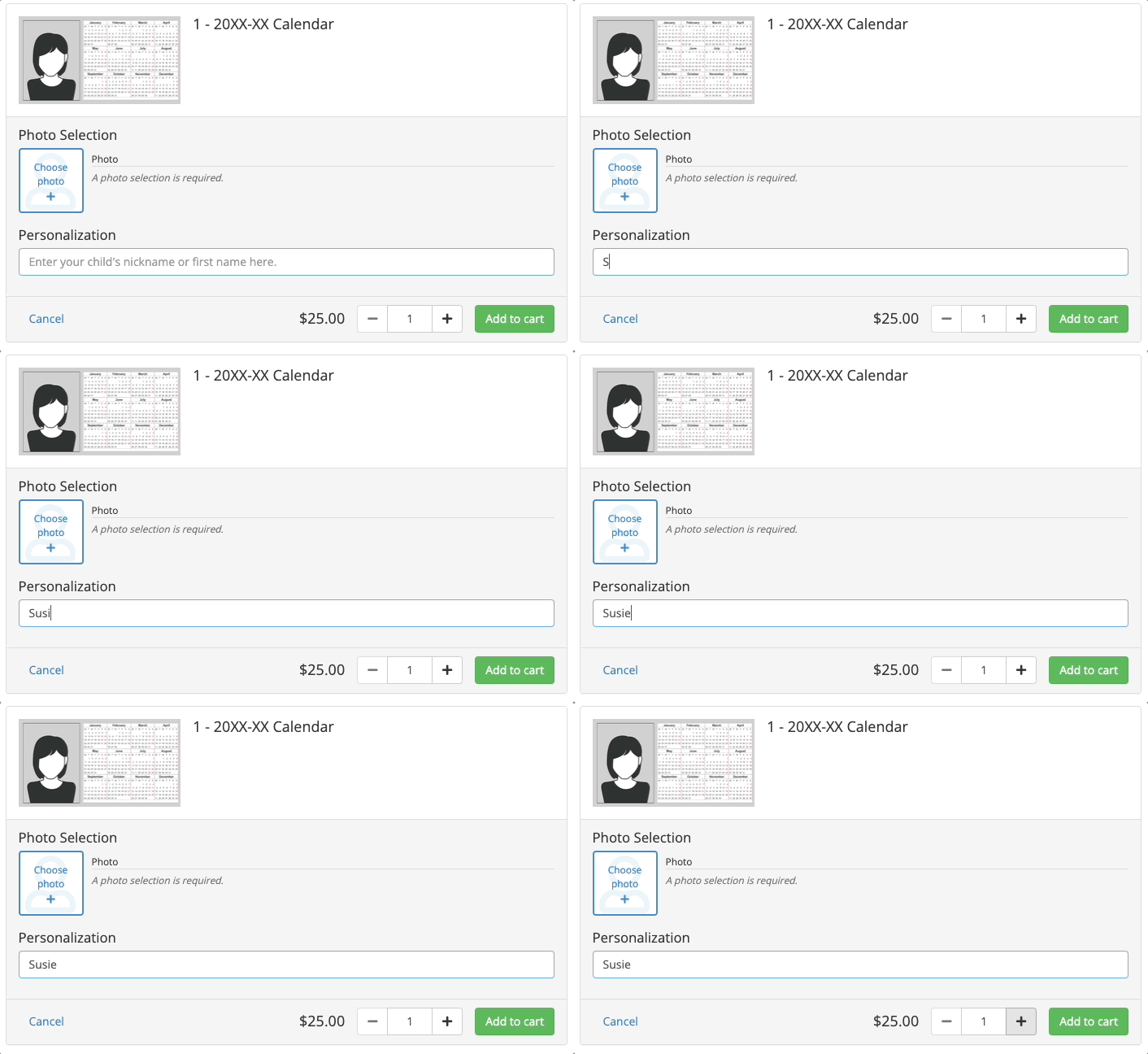
- Text: The customer will be prompted to type one line of text, such as personalization.
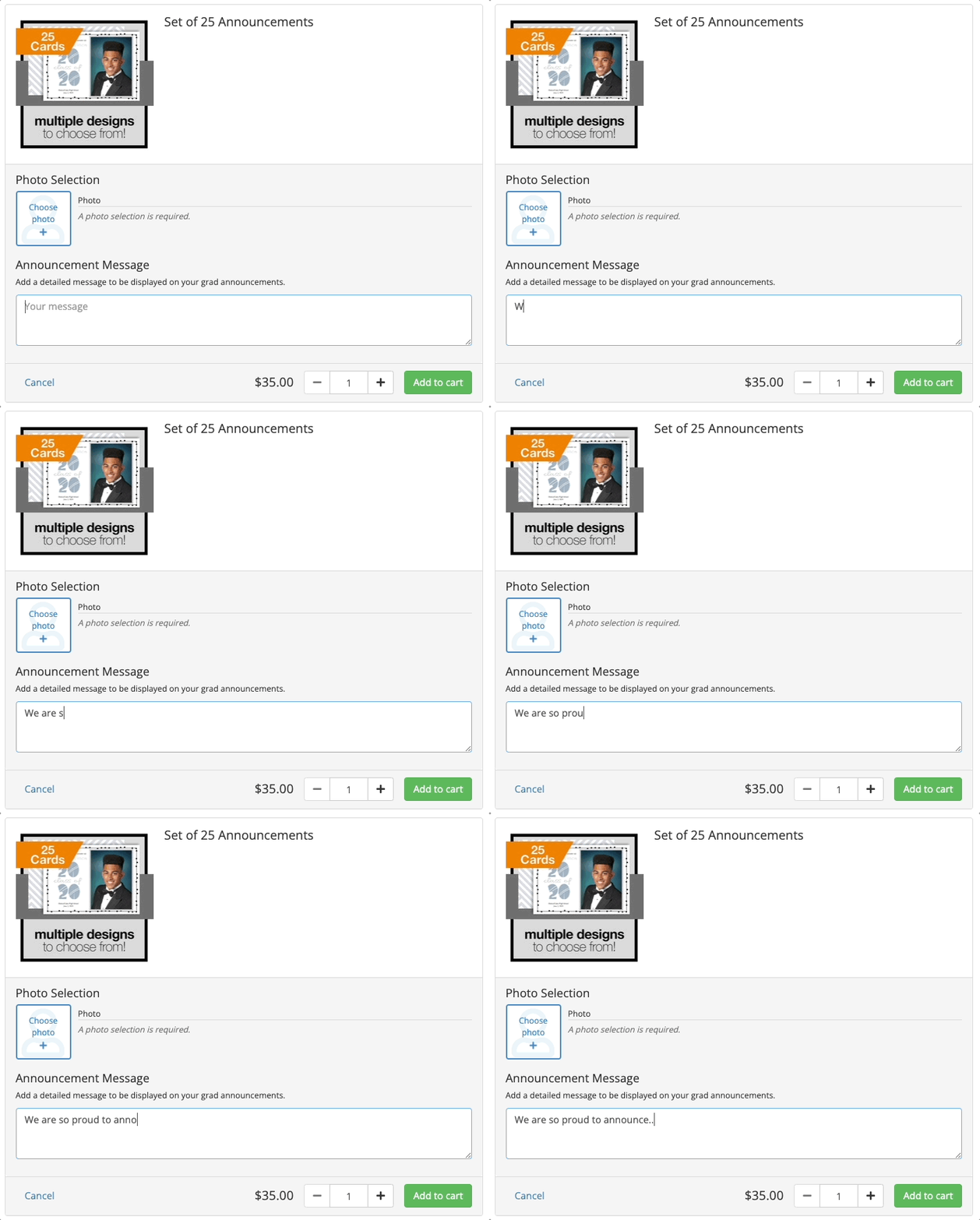
- Long Text: The customer will be prompted to type multi-lined text, such as a detailed personal message.
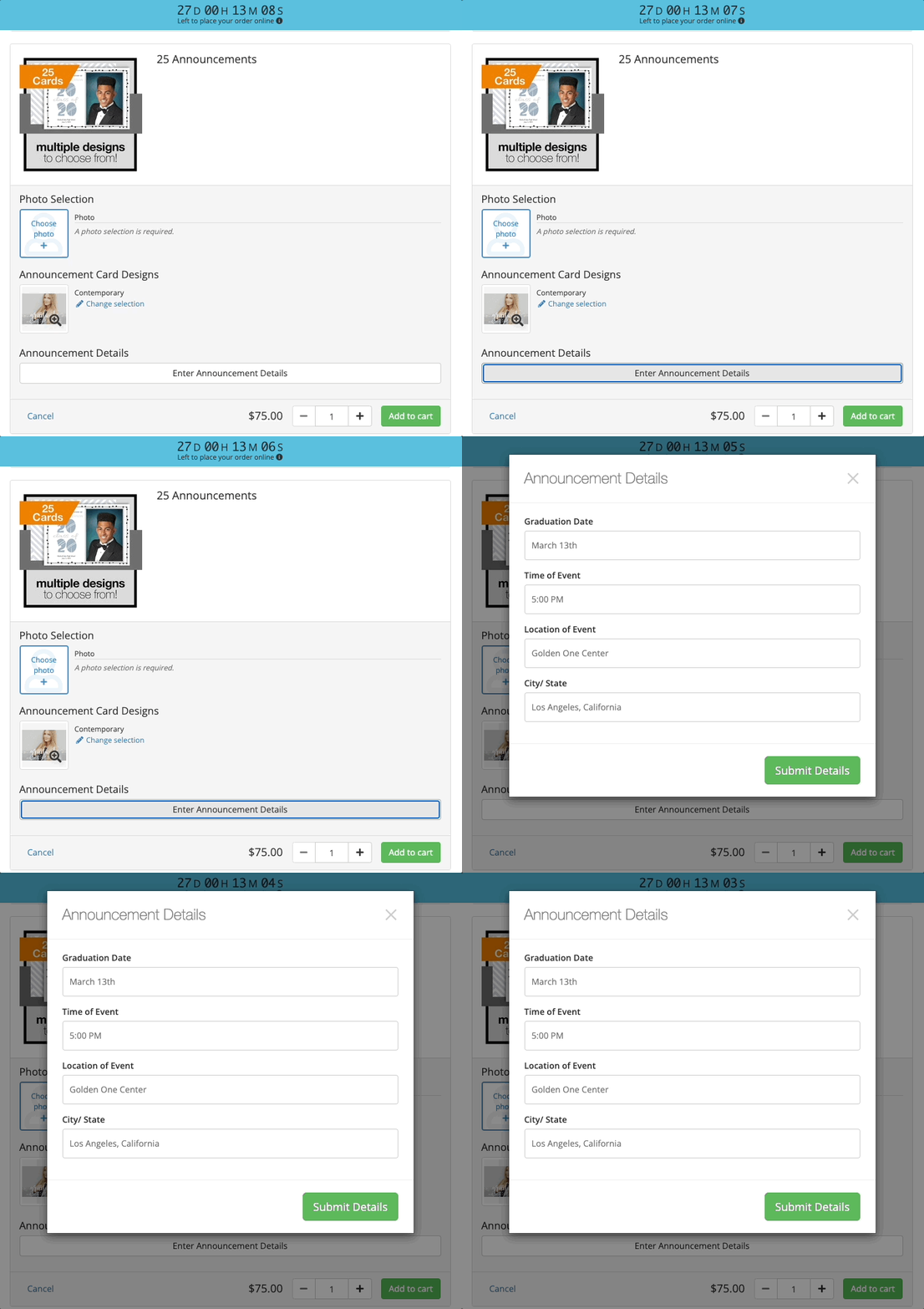
- Form: The customer will be prompted to complete multiple text fields within a pre-built form.
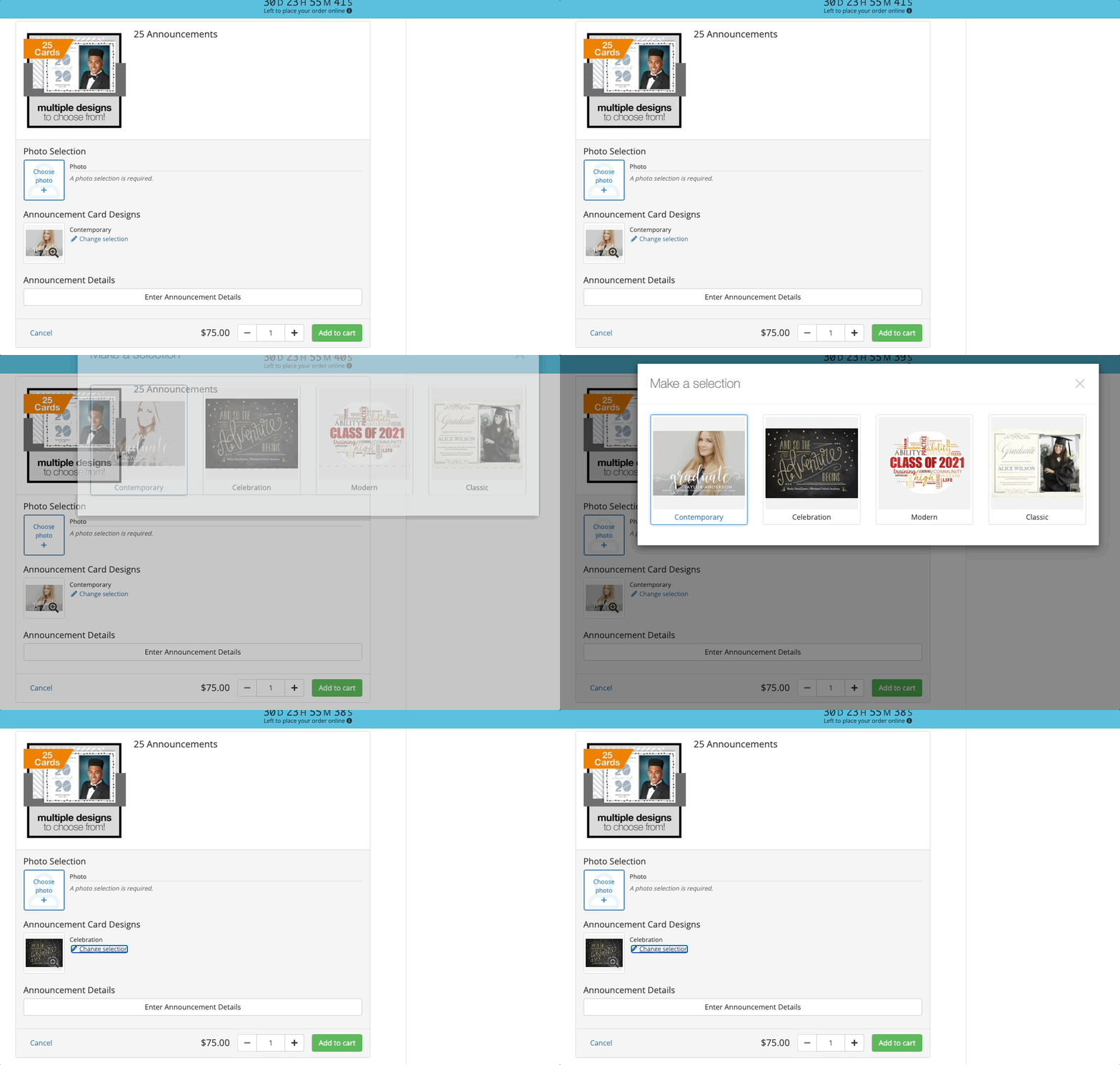
- Image Chooser: The customer will be prompted with a selection of images to choose from, such as an announcement design.
- Green Screen: The customer will be prompted with a selection of green screen backgrounds to choose from. Can be applied to one image or the entire order.