
Commerce
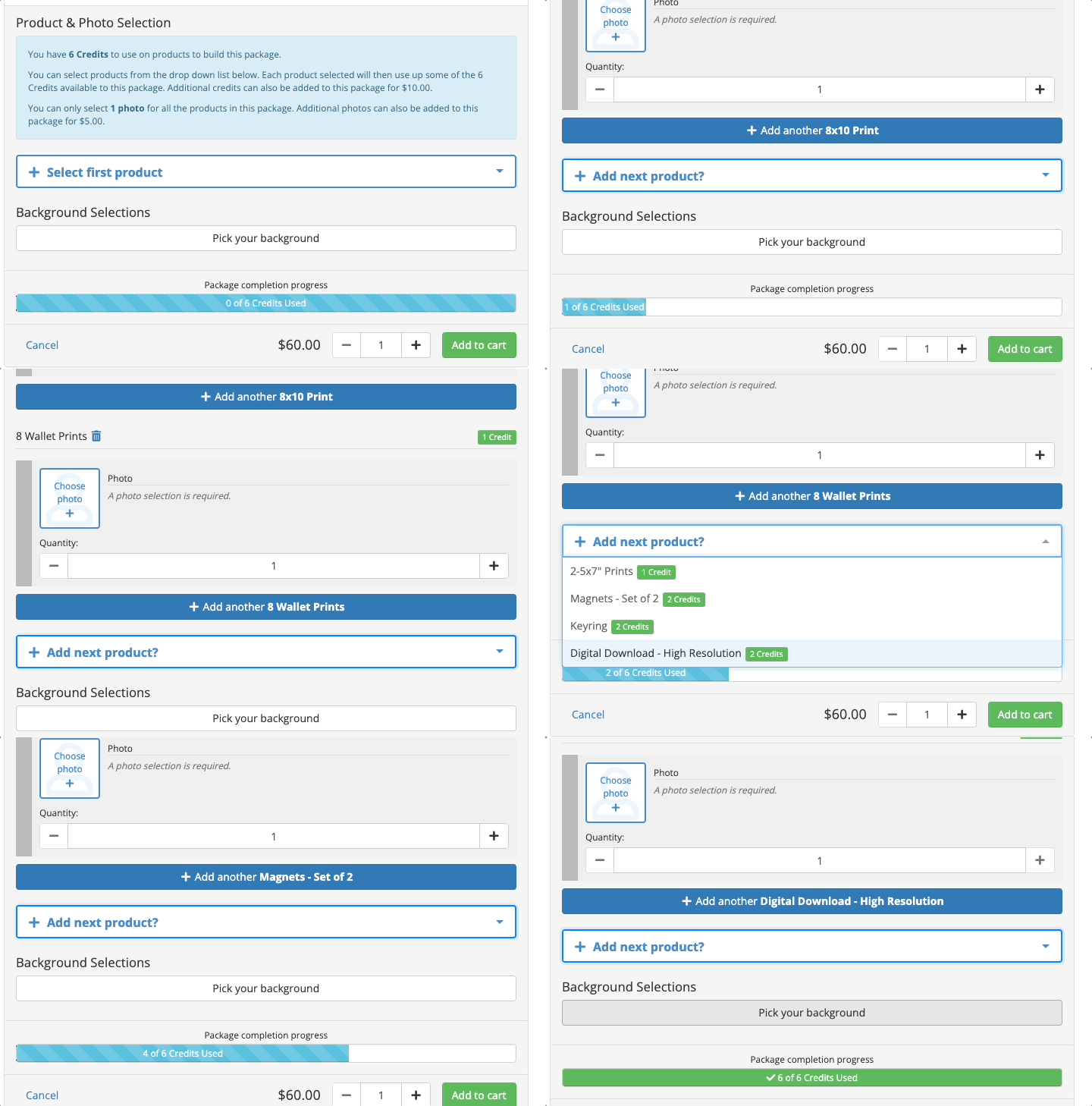
How about giving your customer the freedom to design their own tailor-made package to suit their specific needs? Create a Build Your Own (BYO) package and allow customers to pick and select products as they wish. A simple credit system is used, where you must determine the total credits within the package and then assign each product with a credit value.
|
|
Note: This process may vary if you’re using an integrated lab for direct fulfillment. Please reach out to your customer success team to discuss this set up in your account. |
Create a Build Your Own (BYO) Package
- Click on the green +Create button in the top right corner of your screen, then select +Package.
- Follow the instructions provided in How to Create a Package. Start by filling out the details for the new package by using the help text provided.
- Check Build Your Own Package and choose the total package credits that the customer will be able to use to design their unique package. Each item within the package will be given a credit value.
- Add products to the BYO package by clicking on the drop-down box and searching for the product you wish to add. You can add more products to the package by clicking the Add Product button below.
Typing in the product code will narrow down your search results and make for quicker product-adding.
- Assign each product with a credit value. More credits = Higher value.

- Select the Taxable option as Yes if this product is subject to tax when being sold online. For more information on whether your item should be taxable or not refer to Taxable Items vs. Non-Taxable Items.
- Once the package is complete, click Save at the bottom right corner of the page.
|
|
Quick Tips:
|